Popular tools
Popular workflows
- 1
- 2
- 3
- 4
- 5
- 6
- 7
- 8
- 9
- 10
- 11
- 12
Practical guides
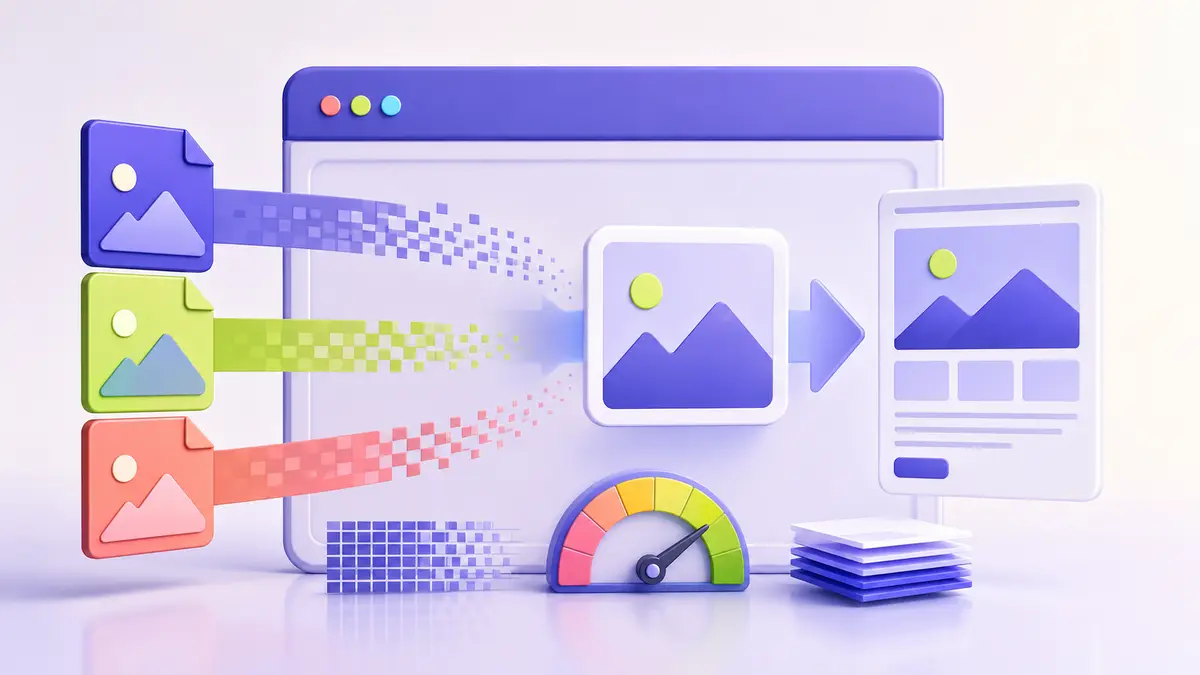 Image Guides
AVIF vs WebP vs JPEG: Which Image Format Is Best?
Compare modern image formats for visual quality, transparency, compatibility, editing, and website performance.
 Image Guides
JPG vs PNG: Which Format Should You Use?
Choose between JPG and PNG based on transparency, detail, file size, editing, and the kind of image you are saving.
Image Guides
WebP vs PNG for Websites
Understand the trade-offs between WebP and PNG for web graphics, transparency, quality, browser support, and fallbacks.
Image Guides
How to Resize an Image Without Losing Quality
Resize images with realistic expectations by choosing the right dimensions, resampling method, and output format.
Image Guides
How to Convert Images Privately in Your Browser
Change image formats locally while controlling transparency, quality, dimensions, and metadata.
Category questions
How do I choose the right tool?
All processing supported by these tools happens locally in your browser.
Are files uploaded for processing?
Choose the tool that matches the next action, work on a copy, and verify the output before sharing.
How can I protect output quality?
All processing supported by these tools happens locally in your browser.
What should I do with a very large file?
Choose the tool that matches the next action, work on a copy, and verify the output before sharing.
Can I use these tools on a phone?
All processing supported by these tools happens locally in your browser.
Should I keep the original file?
Choose the tool that matches the next action, work on a copy, and verify the output before sharing.
What privacy checks are still needed?
All processing supported by these tools happens locally in your browser.
How do related guides improve the workflow?
Choose the tool that matches the next action, work on a copy, and verify the output before sharing.