Why WebP is common on the web
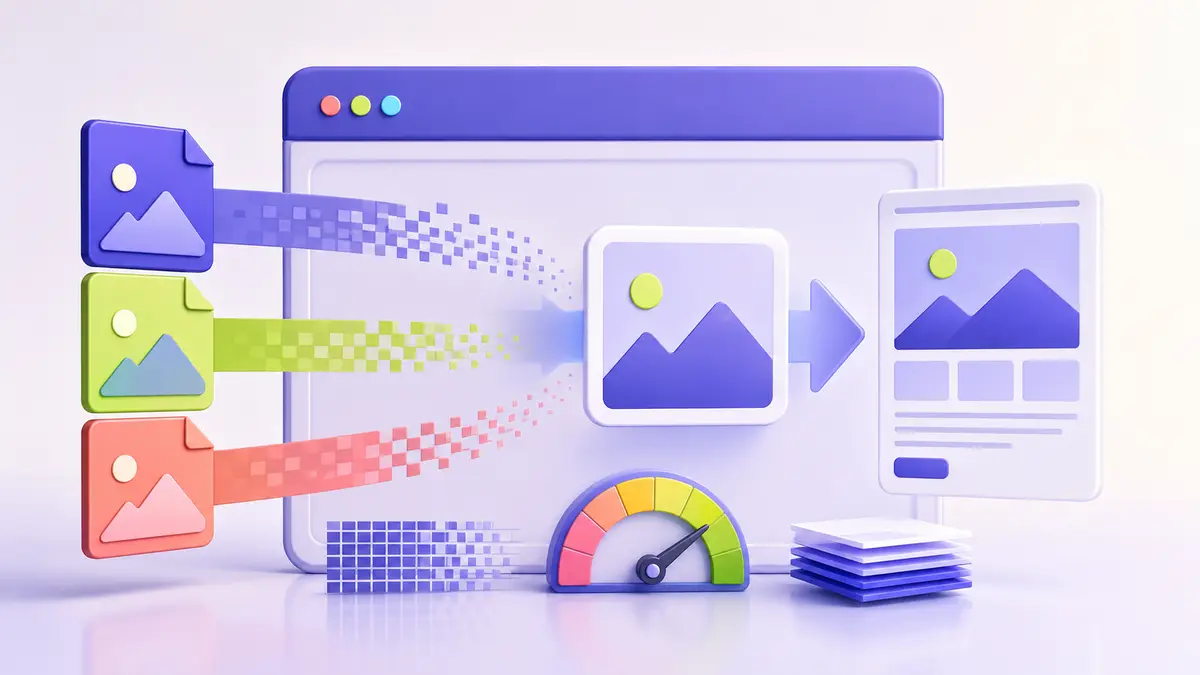
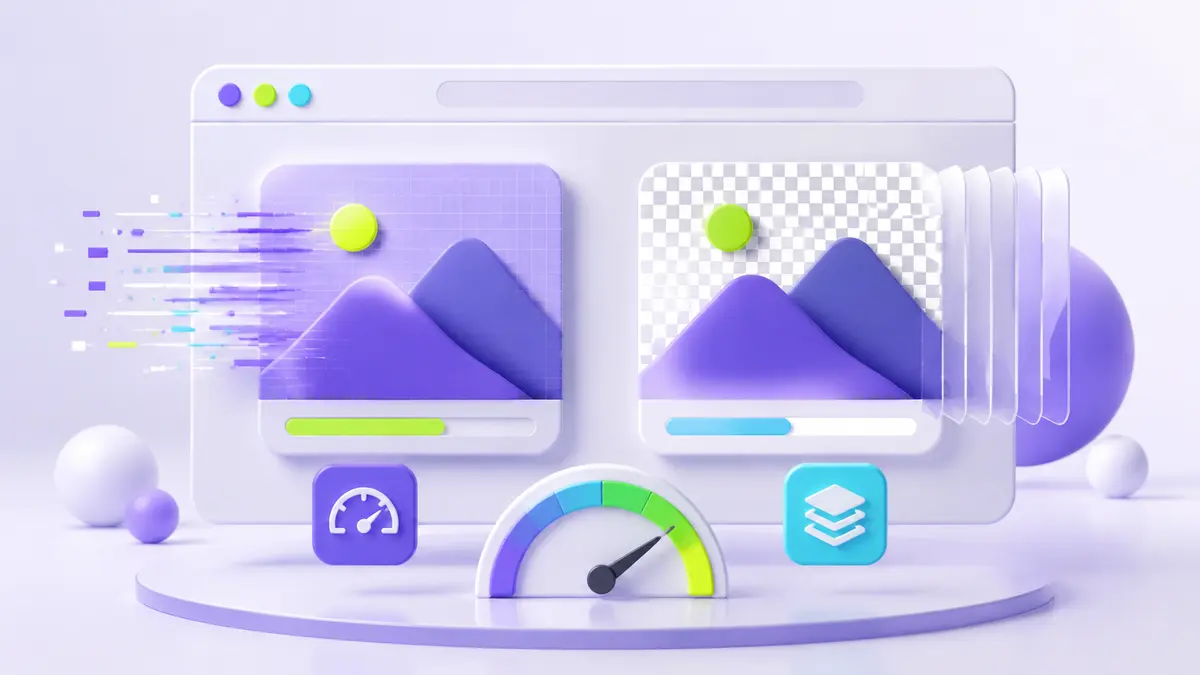
WebP supports lossy and lossless compression, transparency, and animation. For many web images it can reduce transfer size compared with PNG while keeping a similar appearance. A smaller image can improve loading time, but the final result depends on the encoder settings and the image itself.
Where PNG remains useful
PNG is predictable, widely supported by image editors, and well suited to lossless graphics. It is often convenient for source assets, screenshots, and workflows that rely on exact pixels. It may also be easier for recipients who need to open or edit the file outside a browser.
Use the format, dimensions, and quality together
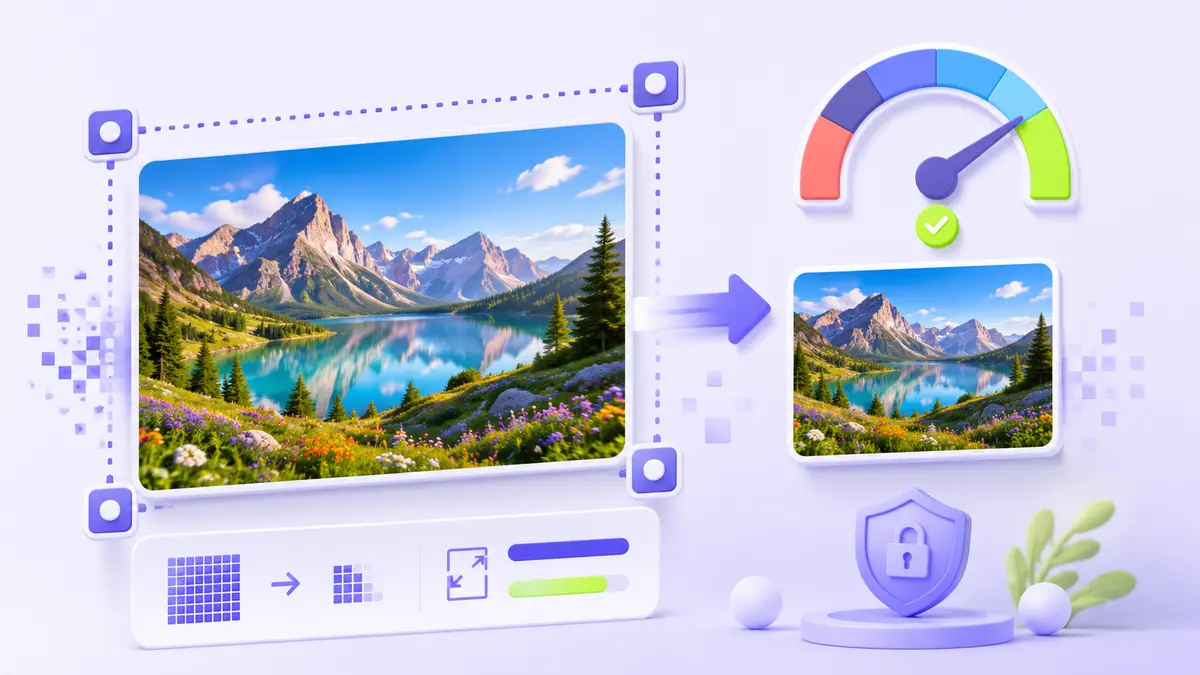
Changing only the format is not a complete optimization strategy. Export images close to their displayed dimensions, avoid downloading an oversized source for a small card, and set explicit width and height to reduce layout movement. Compare both visual quality and byte size.
Provide a reliable delivery path
Current browsers generally support WebP, but a website may still keep PNG or JPG source files for editing and fallback needs. Test social previews, content management systems, email exports, and any third-party service that receives the image. The best production format is the one that works across the entire publishing workflow.