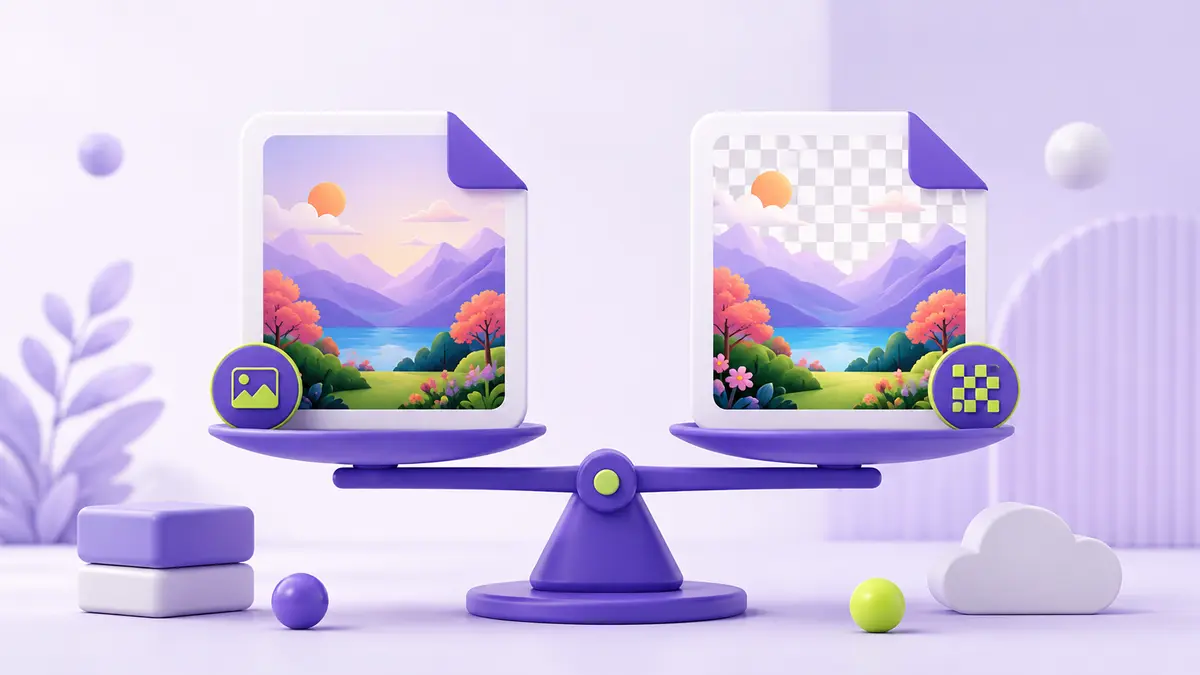
The short answer
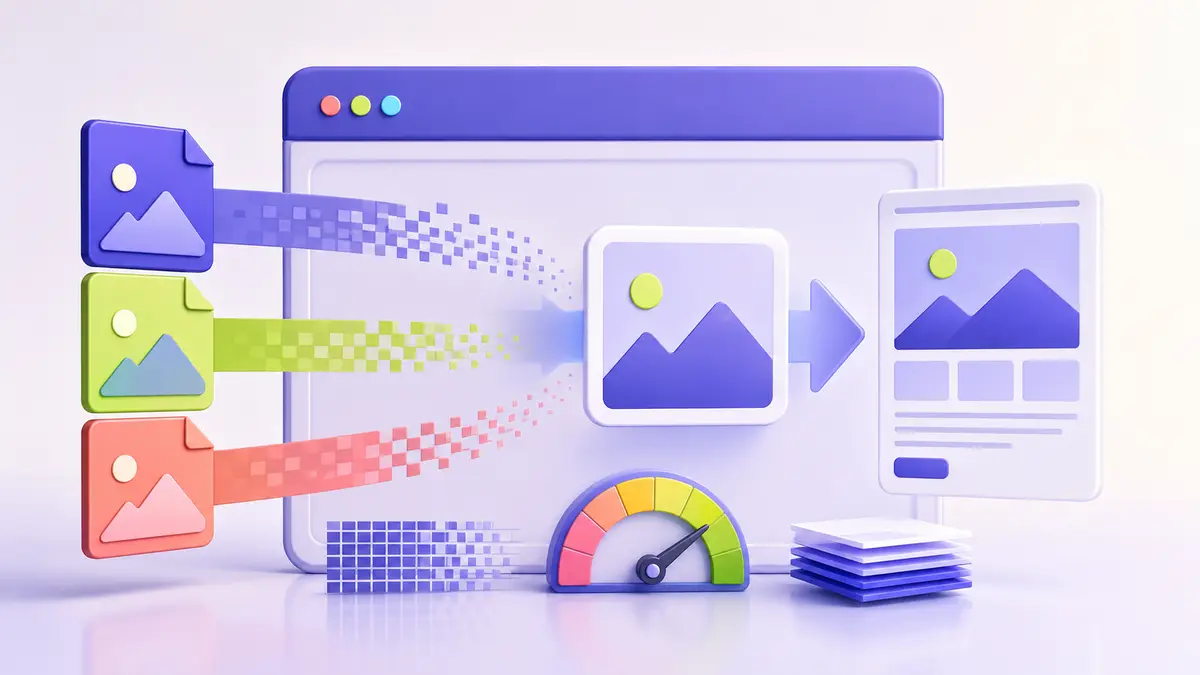
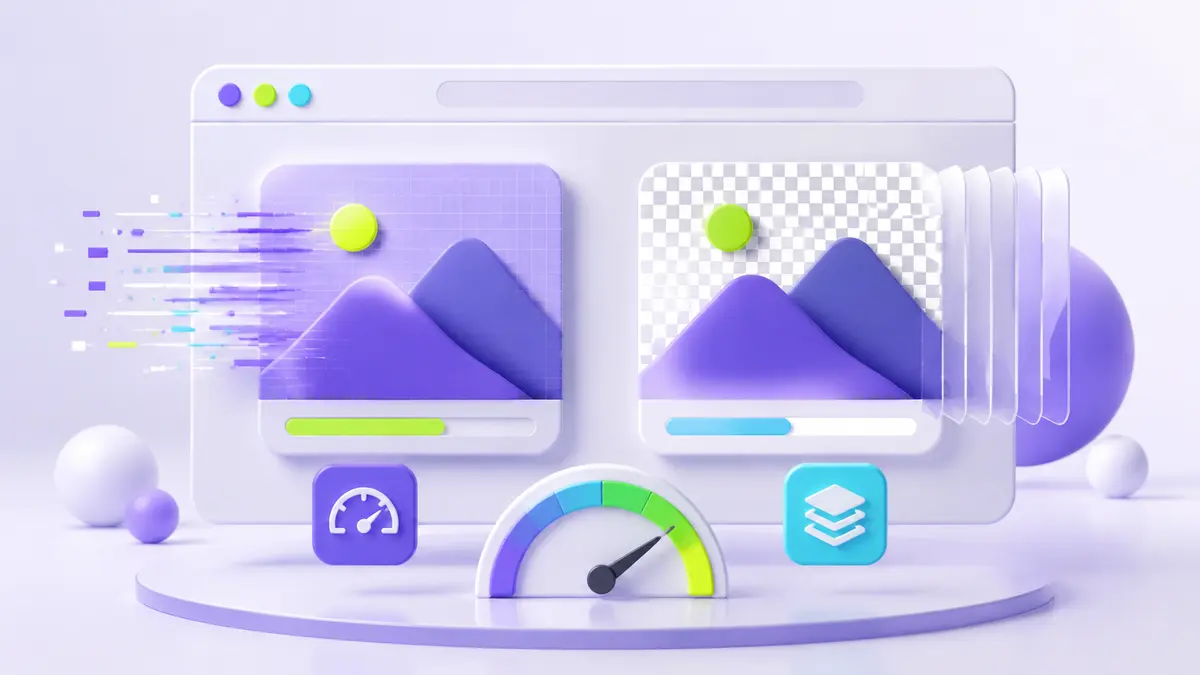
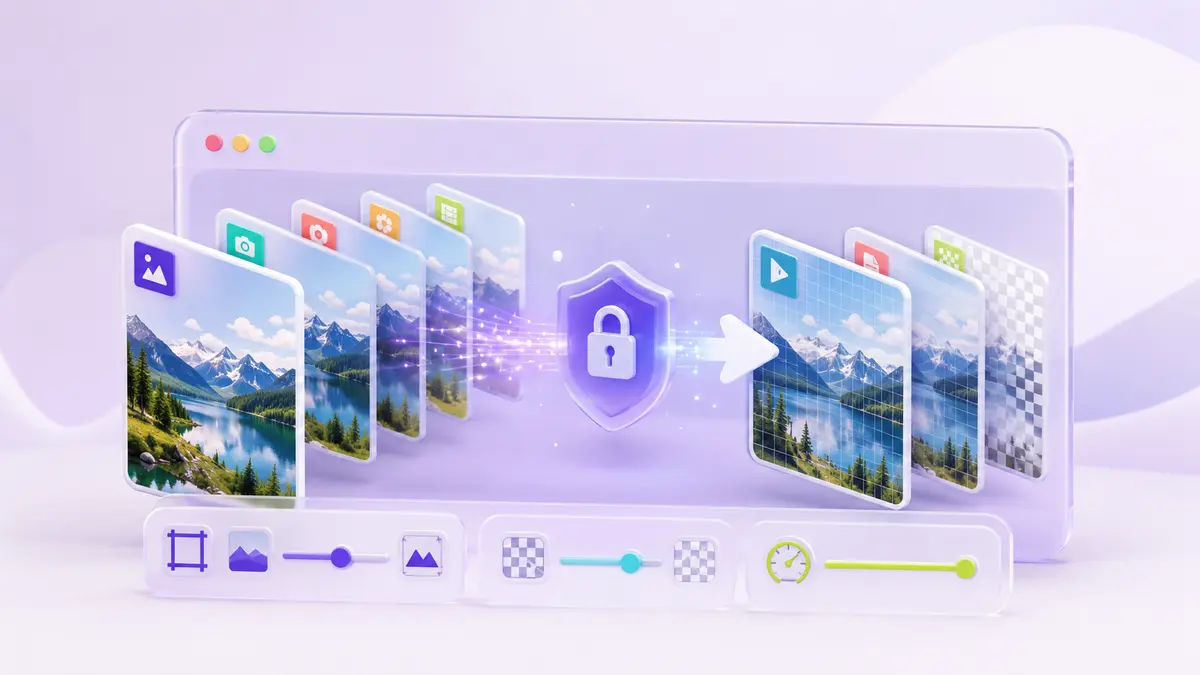
JPG is usually efficient for photographs and other images with continuous color. PNG is usually better for interface graphics, diagrams, screenshots with sharp text, and images that require transparency. The visible result and file size depend on the image, not only the extension.
How JPG stores an image
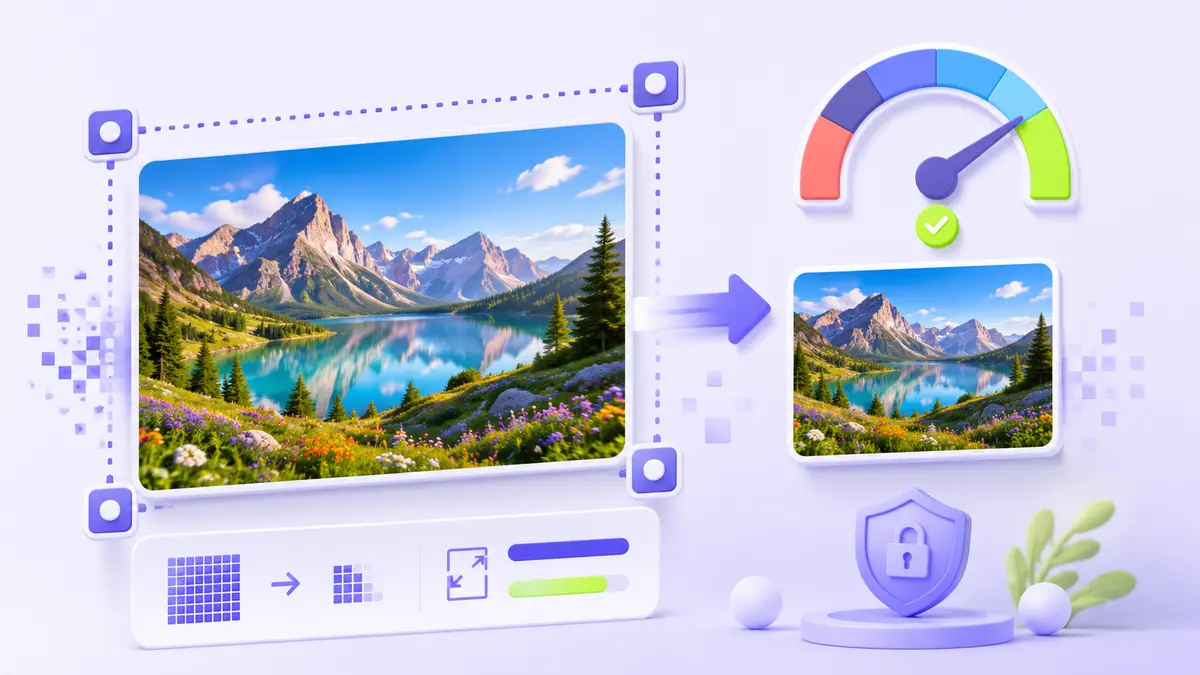
JPG uses lossy compression. It can make photographs much smaller by discarding detail that is less noticeable to the eye. Repeated editing and saving may introduce halos, blocks, or blurred edges. Keep a high-quality master if the image will be edited again.
How PNG differs
PNG uses lossless compression and supports an alpha channel for partial transparency. It preserves crisp pixels, which suits logos, charts, and screenshots. A PNG photograph can be considerably larger than an equivalent JPG without providing a useful visible improvement.
A practical decision checklist
- Choose JPG for ordinary photos where a smaller download matters.
- Choose PNG for transparency, flat-color graphics, and sharp text.
- Do not convert a low-quality JPG to PNG expecting lost detail to return.
- Compare the exported image at its actual display size.
- Remove metadata when privacy or download size requires it.
For websites, modern formats such as WebP or AVIF may offer another useful option, but compatibility and workflow requirements should still guide the final choice.