Resizing and compression are different
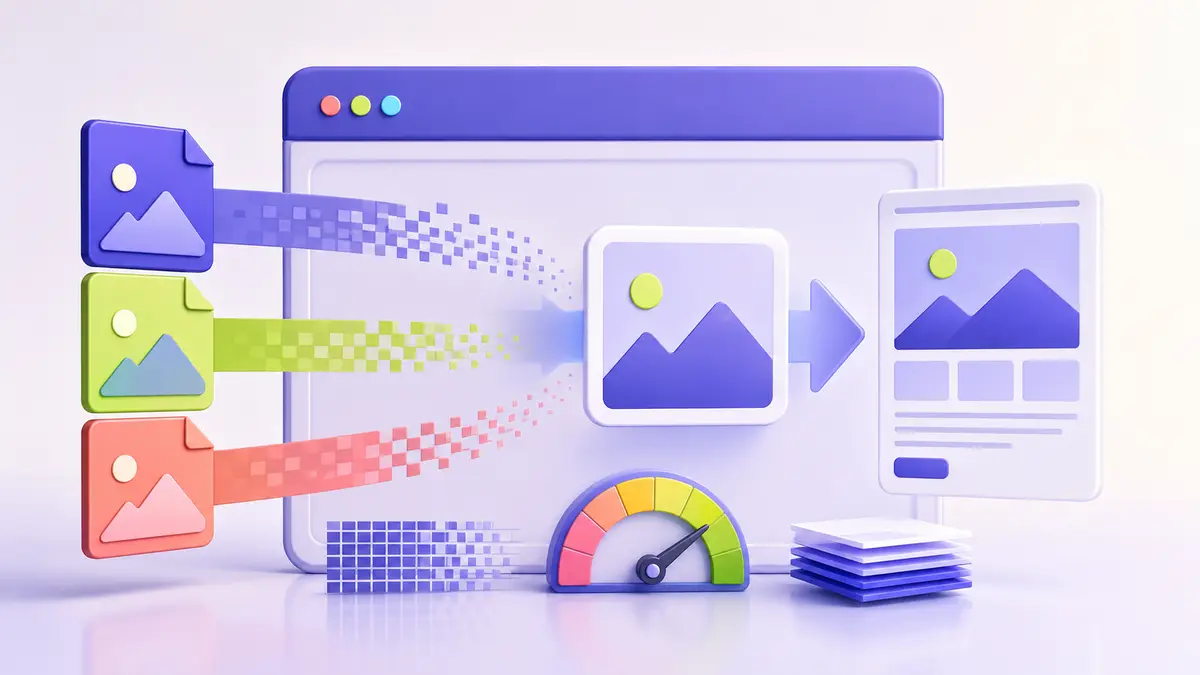
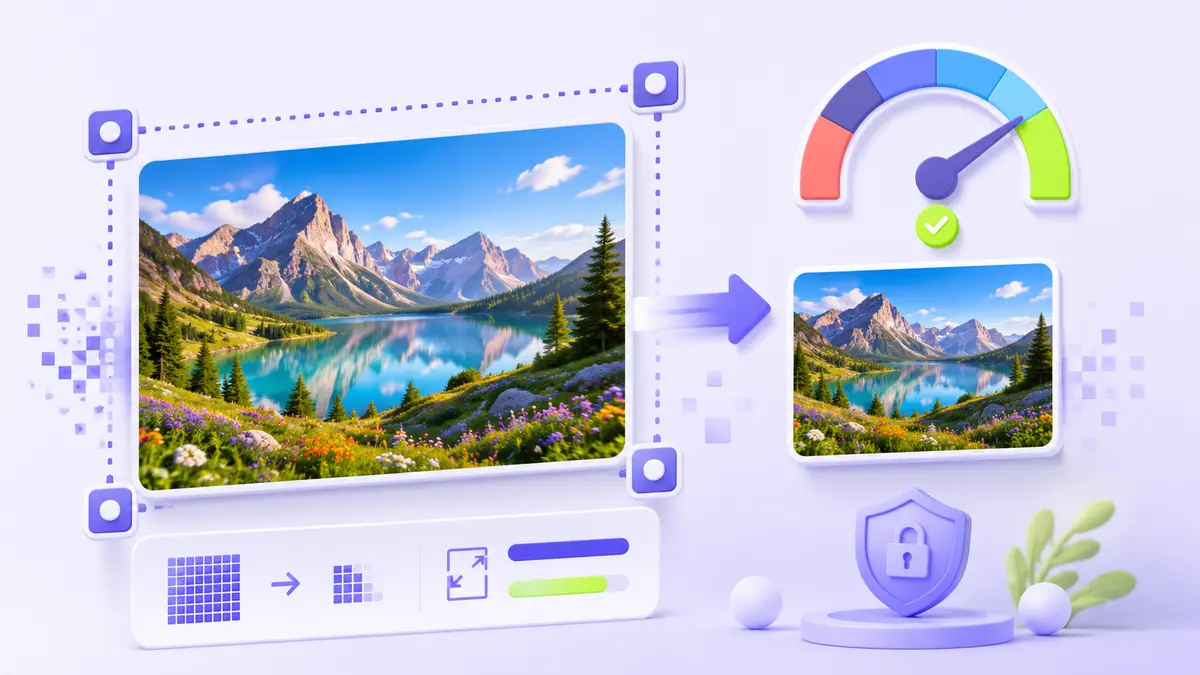
Resizing changes pixel dimensions. Compression changes how efficiently those pixels are stored. Reducing dimensions can produce a much smaller file while retaining good clarity at the intended display size. Enlarging an image cannot recreate detail that the original camera or export never captured.
Work from the best available source
Start with the original or highest-quality copy, not an image that has already been repeatedly compressed. Note the aspect ratio before entering new dimensions. Locking the aspect ratio prevents accidental stretching and keeps circles, faces, and text from becoming distorted.
Match the output to its use
- Use the actual content width as a starting point for website images.
- Keep more pixels for high-density displays when the design requires them.
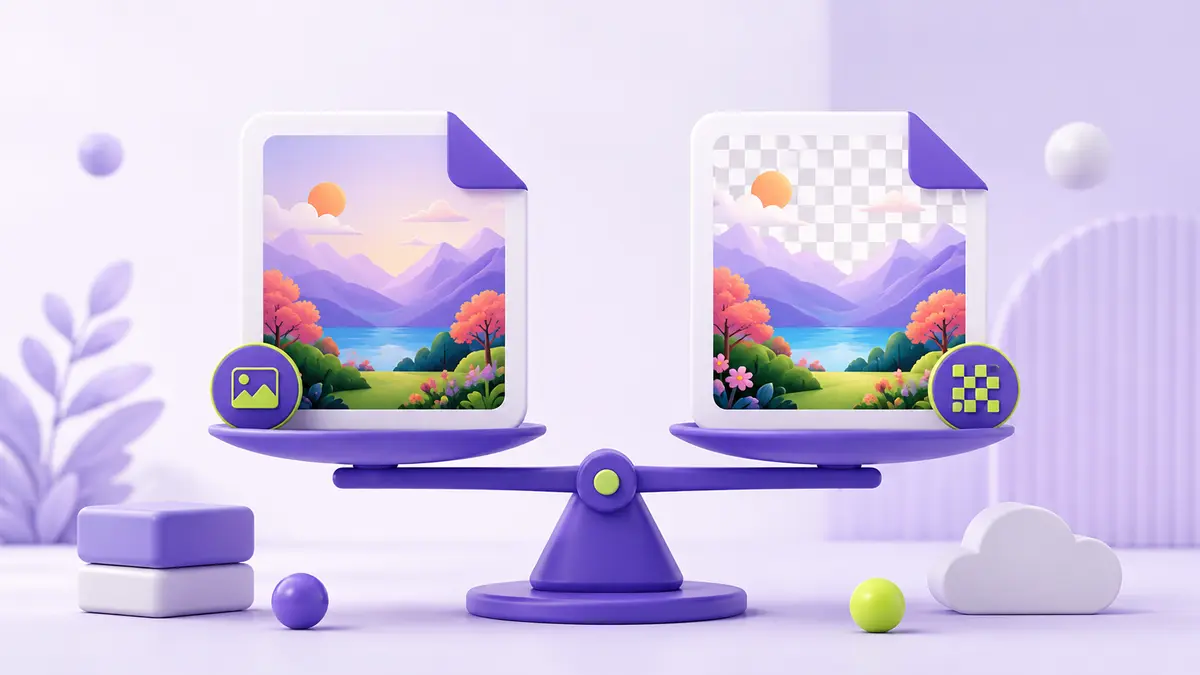
- Use JPG or WebP for photographs and PNG when transparency or crisp graphics matter.
- Inspect important edges and text at 100% zoom after export.
Be careful when enlarging
Interpolation can make a small image larger, but it estimates new pixels from neighboring pixels. The result may look smoother without becoming genuinely more detailed. For logos and simple artwork, a vector source is preferable. For photographs, moderate enlargement followed by careful sharpening may be acceptable, but always judge the final image at its real output size.