Popular tools
Popular workflows
- 1
- 2
- 3
- 4
- 5
- 6
- 7
- 8
- 9
- 10
- 11
- 12
Practical guides
 File Formats
MP4 vs WebM vs MOV: Choosing a Video Format
Choose a video container based on playback support, editing, streaming, quality, and file size.
 File Formats
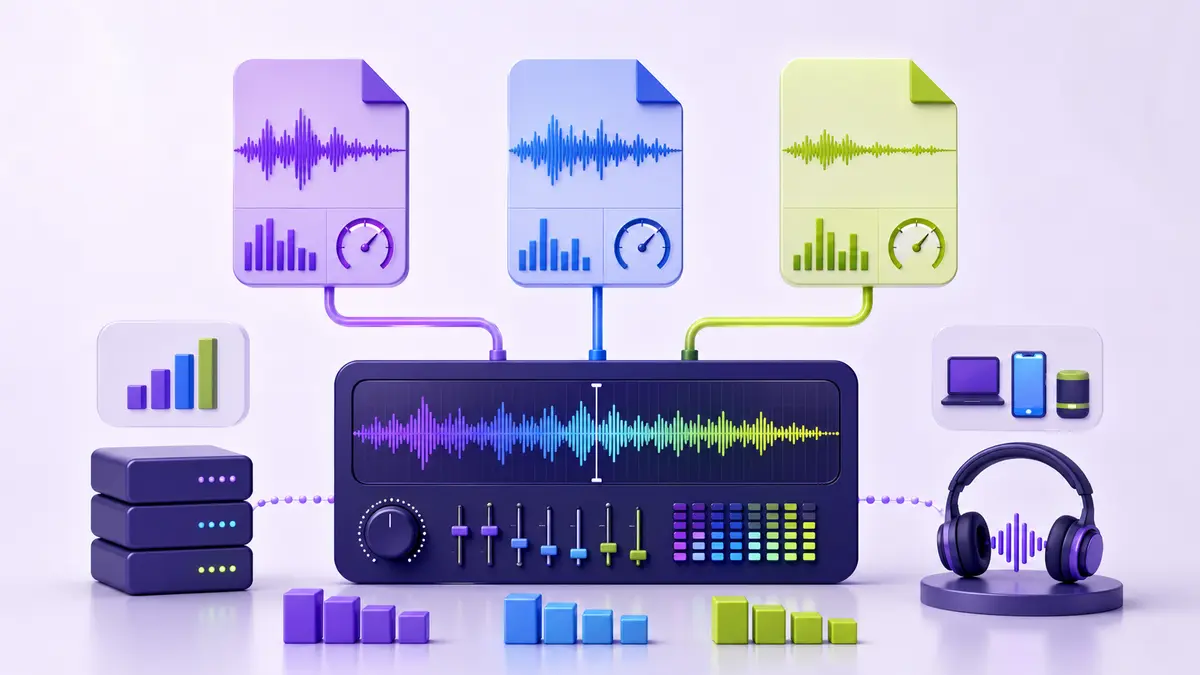
MP3 vs WAV vs OGG: Audio Quality and File Size
Understand when to use compressed audio, a lossless working file, or an open web-friendly format.
 File Formats
PDF vs DOCX: What Is the Difference?
Compare PDF and DOCX for editing, sharing, printing, accessibility, and long-term document workflows.
 File Formats
ZIP vs RAR: Key Differences
Compare ZIP and RAR in compatibility, compression, splitting, recovery, and everyday sharing.
File Formats
How to Choose the Right File Format
A practical framework for choosing formats based on editing, compatibility, quality, size, accessibility, and long-term use.
Category questions
How do I choose the right tool?
All processing supported by these tools happens locally in your browser.
Are files uploaded for processing?
Choose the tool that matches the next action, work on a copy, and verify the output before sharing.
How can I protect output quality?
All processing supported by these tools happens locally in your browser.
What should I do with a very large file?
Choose the tool that matches the next action, work on a copy, and verify the output before sharing.
Can I use these tools on a phone?
All processing supported by these tools happens locally in your browser.
Should I keep the original file?
Choose the tool that matches the next action, work on a copy, and verify the output before sharing.
What privacy checks are still needed?
All processing supported by these tools happens locally in your browser.
How do related guides improve the workflow?
Choose the tool that matches the next action, work on a copy, and verify the output before sharing.