Two formats with different jobs
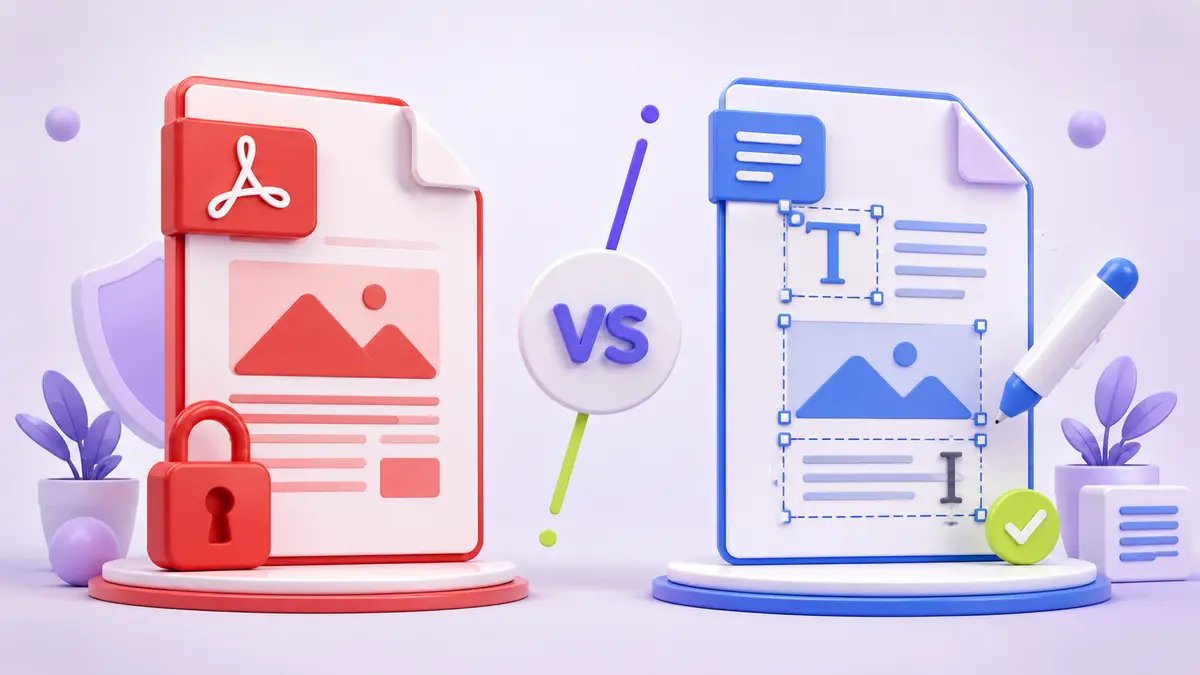
DOCX is designed for creating and editing flowing documents. PDF is designed to preserve a page’s appearance across devices and software. A DOCX file can reflow when fonts, margins, or application versions change; a PDF normally keeps the same page geometry.
When DOCX is the better choice
Use DOCX while people are drafting, commenting, tracking changes, and rearranging content. It is also useful when a recipient must adapt the document. Because it is editable, a DOCX should not be treated as a final visual record without reviewing it in the recipient’s software.
When PDF is the better choice
Use PDF for final reports, printable forms, invoices, portfolios, and documents whose layout should remain stable. PDF can contain searchable text, links, form fields, accessibility information, signatures, and embedded images. Those capabilities depend on how the file was created.
Conversion is not always reversible
Converting DOCX to PDF is usually predictable because the document is rendered into fixed pages. Converting PDF back to DOCX requires the converter to reconstruct paragraphs, tables, and reading order. Keep the editable source whenever possible and treat a reverse conversion as a recovery workflow that needs checking.
| Need | Prefer |
|---|---|
| Ongoing editing | DOCX |
| Stable sharing and printing | |
| Tracked changes | DOCX |
| Fixed final layout |