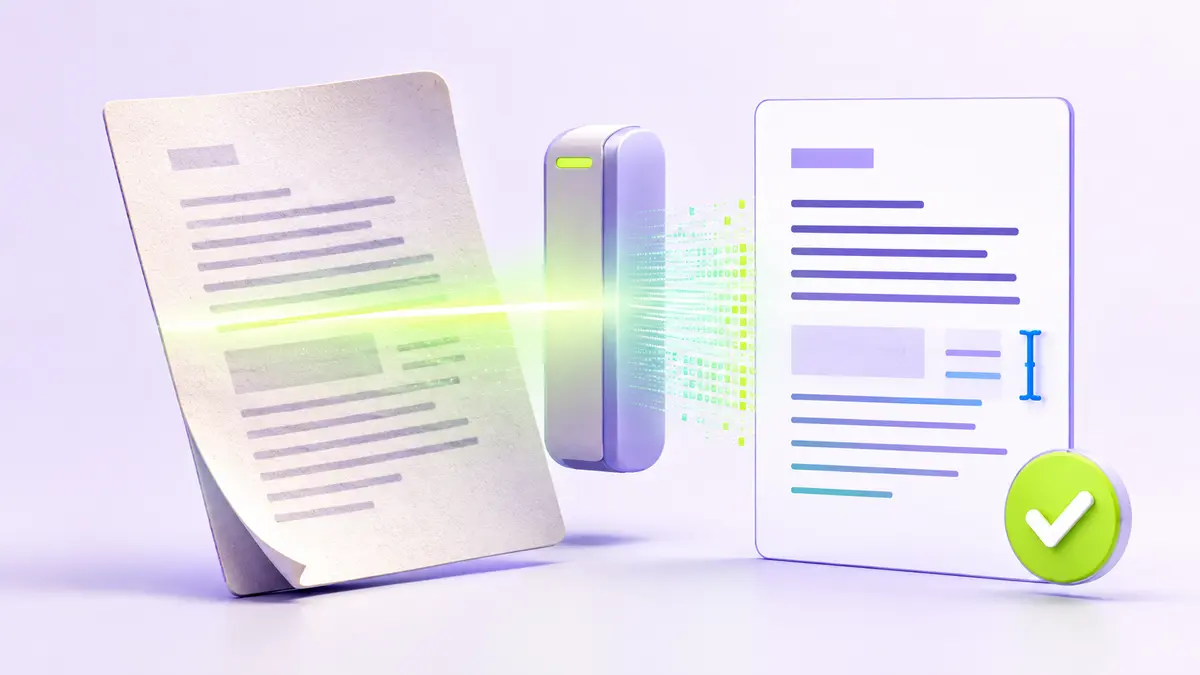
OCR turns page images into machine-readable text
Optical character recognition analyzes an image of printed or handwritten content and estimates the characters, words, and reading order it contains. The recognized text may be returned separately or stored as an invisible text layer behind the scanned page image.
What affects recognition accuracy
Resolution, focus, lighting, page rotation, language, fonts, background patterns, and document structure all matter. Clean printed text is easier than handwriting, decorative type, damaged pages, or multi-column forms. A correct-looking page image does not guarantee a perfect text layer.
Prepare and verify the document
- Rotate pages to the correct orientation.
- Crop unnecessary borders when possible.
- Select the correct recognition language.
- Run OCR, then search for several known phrases.
- Review names, dates, amounts, and other critical fields manually.
Use OCR output responsibly
OCR is helpful for search, accessibility, copying, and document conversion, but it should not be treated as an unquestionable transcription. Keep the scan as the source of truth for legal, medical, financial, or historical material. Sensitive scans also deserve a processing method and retention policy appropriate to their contents.