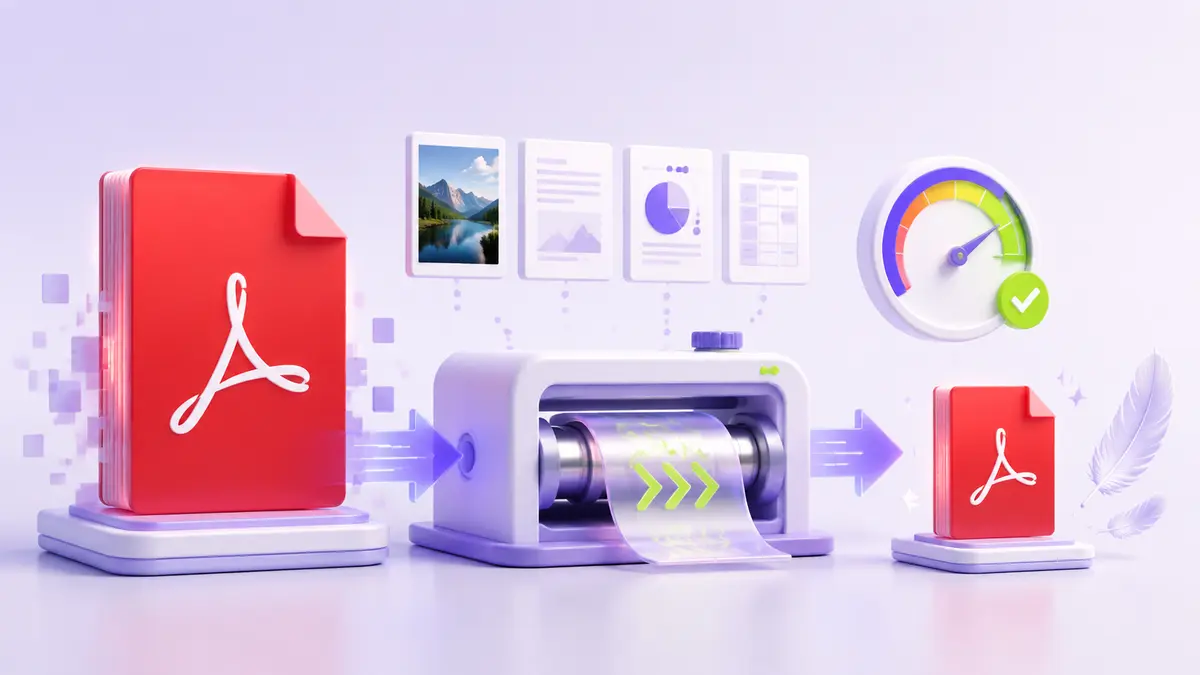
Why PDF files become large
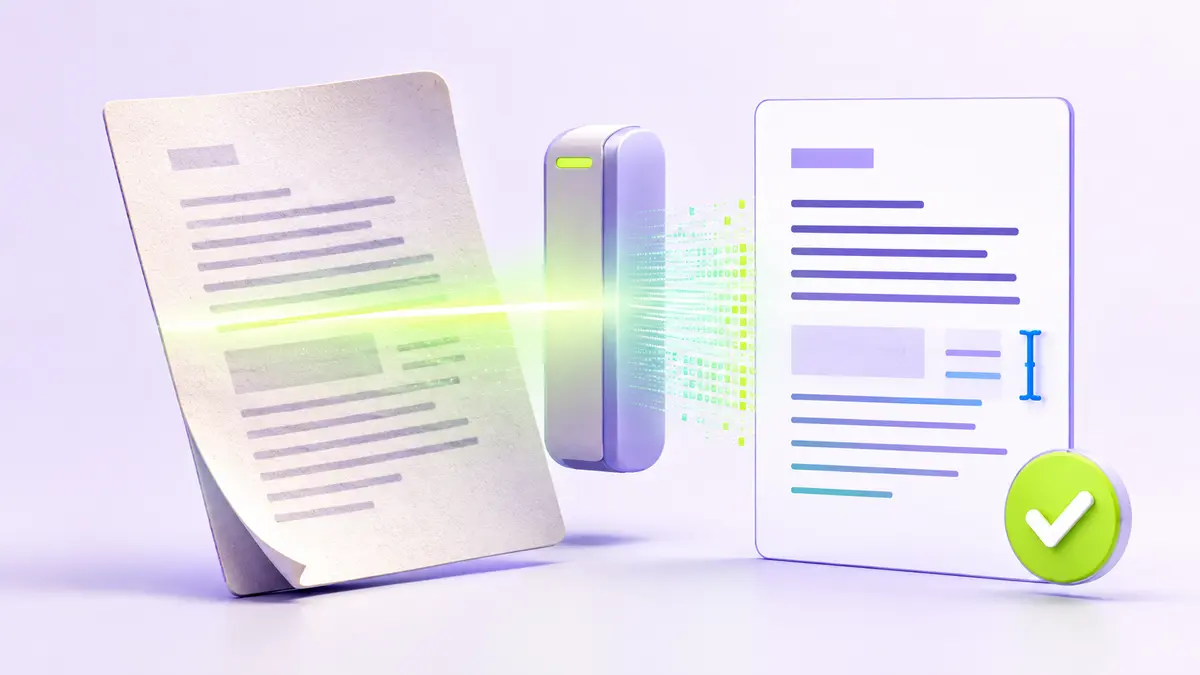
High-resolution photographs, duplicate images, embedded fonts, scanned pages, and unused metadata can all increase PDF size. The best compression method depends on which of these elements dominates the document. A scan made at print resolution usually offers more room for reduction than a text-first report exported directly from an office application.
Choose a quality target
There is no single “no quality loss” setting that fits every document. For screen reading, images often need less resolution than they need for professional printing. Small text, diagrams, signatures, and QR codes require more care than decorative photographs. Decide first whether the PDF is for email, web download, archiving, or print.
Use a safe compression process
- Save the original file separately.
- Remove unnecessary pages and metadata.
- Compress a copy using a moderate setting.
- Compare text, images, and page dimensions with the original.
- Repeat with a stronger setting only if the result remains acceptable.
Check several pages at 100% zoom, including the page with the smallest text and the page with the most detailed image. A large reduction is not useful if recipients cannot read the document.
When to rebuild instead of compress
If the source document is available, exporting a new PDF with appropriate image settings can produce a better result than repeatedly compressing an existing PDF. Rebuilding also helps remove hidden objects and accidental duplicates. Keep archival masters at a suitable quality and create smaller distribution copies for routine sharing.