Files Converter · Fast, private, precise

Upload-ready on the first try

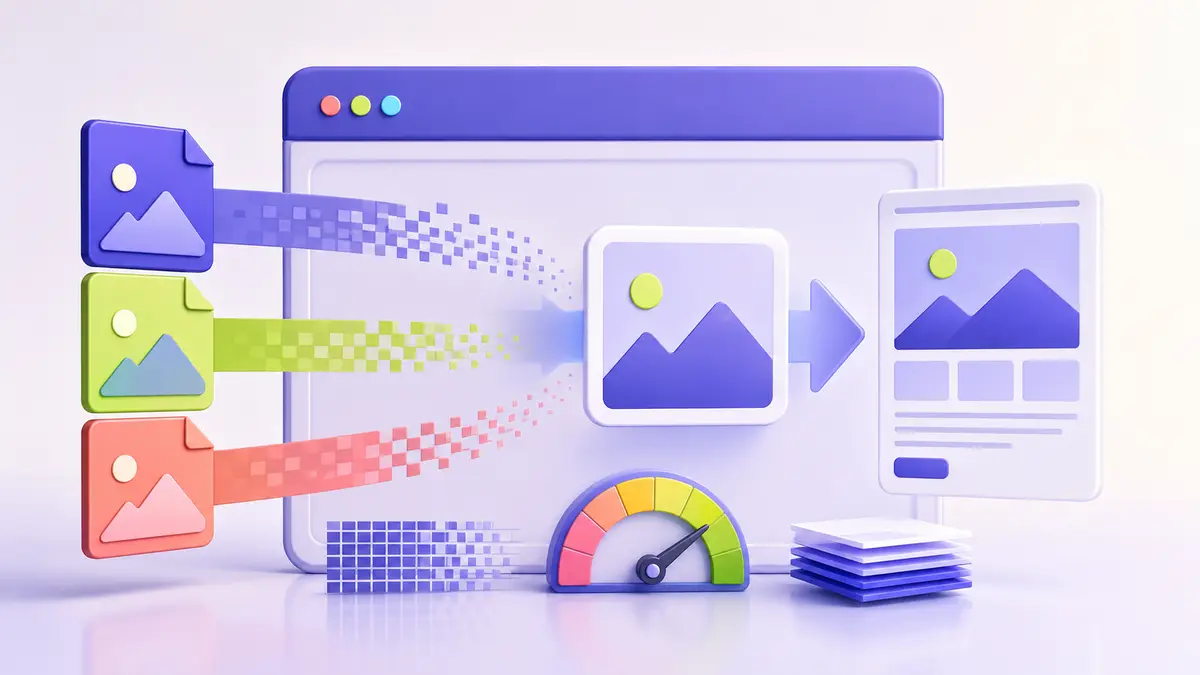
Set the size, dimensions, and format, then download a ready-to-upload image.

Prepare my file

Drag and drop your image hereor click to choose it from your deviceJPG, PNG or WebP — up to 20MB
Processing happens on your device — your images are never uploaded
Files Converter toolbox

Everything you need in one step

Processing happens on your device — your images are never uploaded

Explore all tools
Everything you need in one step

No more “file not accepted” errors

Stop jumping between tools. Set every requirement and download a ready file.

Exact file size

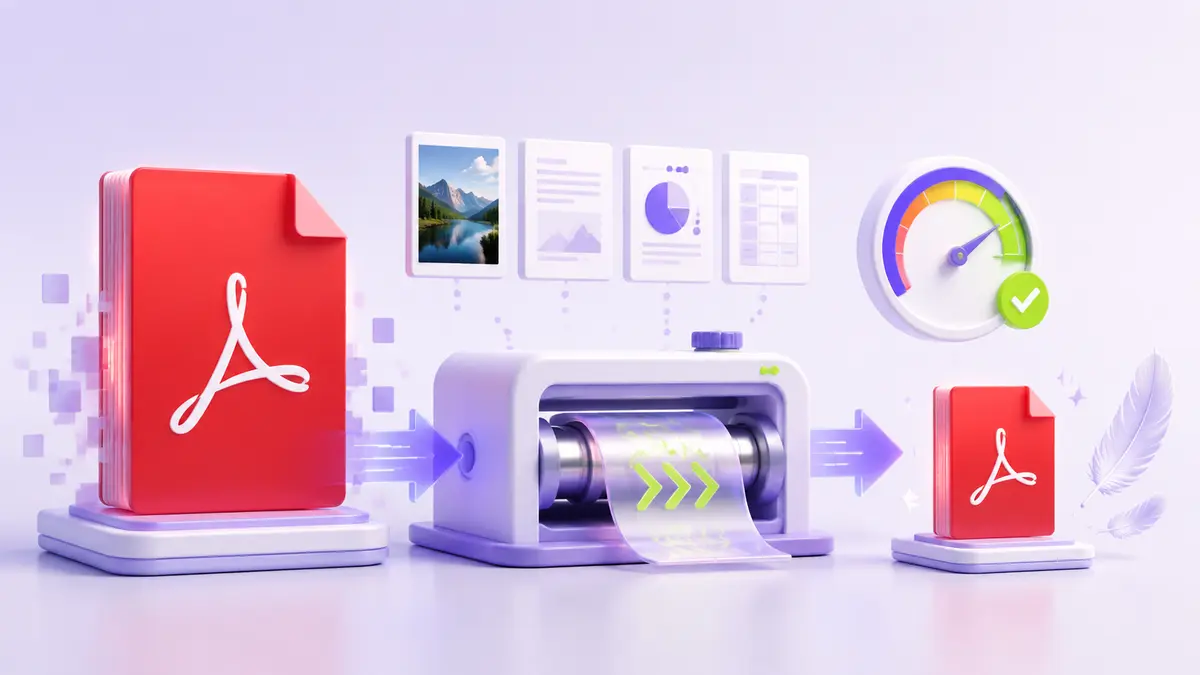
We automatically find the best possible quality under your chosen limit.

Right format and dimensions

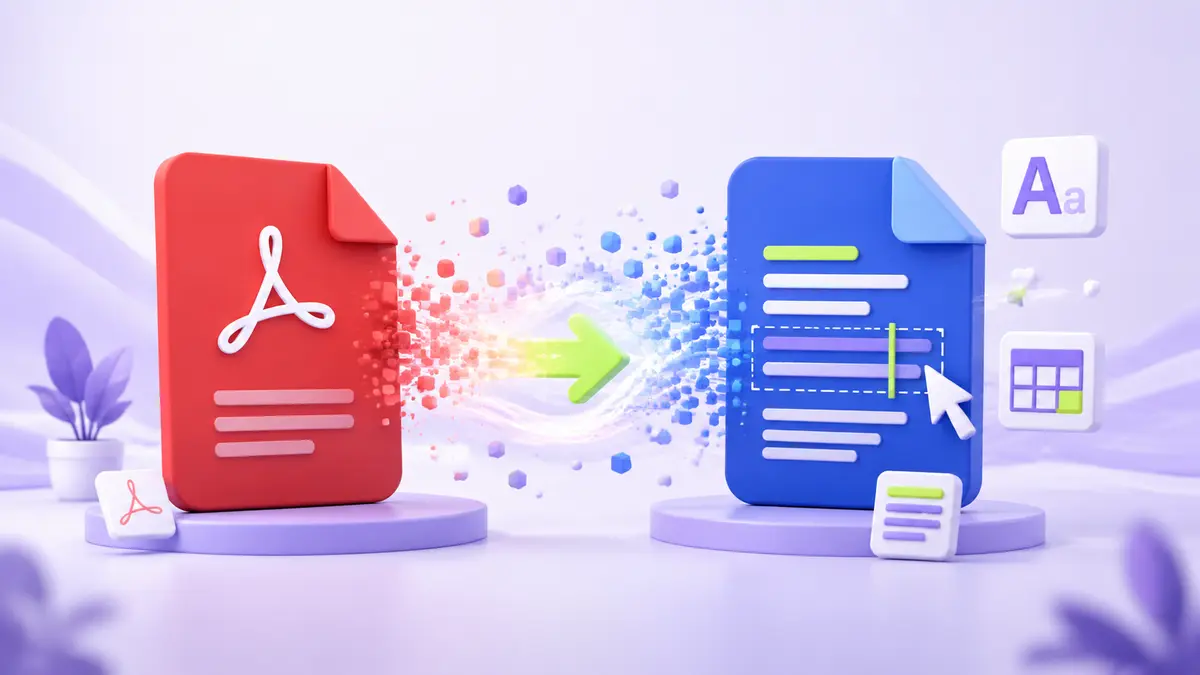
Convert between JPG, PNG, and WebP, and set pixel dimensions.

Clear validation

Review size, dimensions, and format before downloading your file.

Simple from start to finish

Three steps to an upload-ready file

  1. 1

    Choose an image

    Pick a JPG, PNG, or WebP image from your device.

  2. 2

    Set the rules

    Enter size, dimensions, and format or select a preset.

  3. 3

    Download it

    We process it locally and give you a ready-to-upload copy.

Choose your plan

Start free, upgrade when you need more

The core tool stays free. Paid plans are designed for repeat and professional workflows.

Free

$0

For quick personal use

  • One file at a time
  • Up to 20MB
  • Image compression and conversion
Use the tool
Business

Custom quote

For platforms and larger teams

  • API access
  • Usage reports
  • Custom limits
  • Priority support
Request a quote
Privacy is not an add-on

Your images stay with you

Compression and conversion happen inside your browser. We do not store your image, send it to a server, or ask you to create an account.

  • No server upload
  • No sign-up or email
  • No watermark
Prepare my file