What this guide helps you do
Use a checksum to confirm that a downloaded or transferred file has not changed.
Use a controlled workflow and keep the original file until the result has been checked.
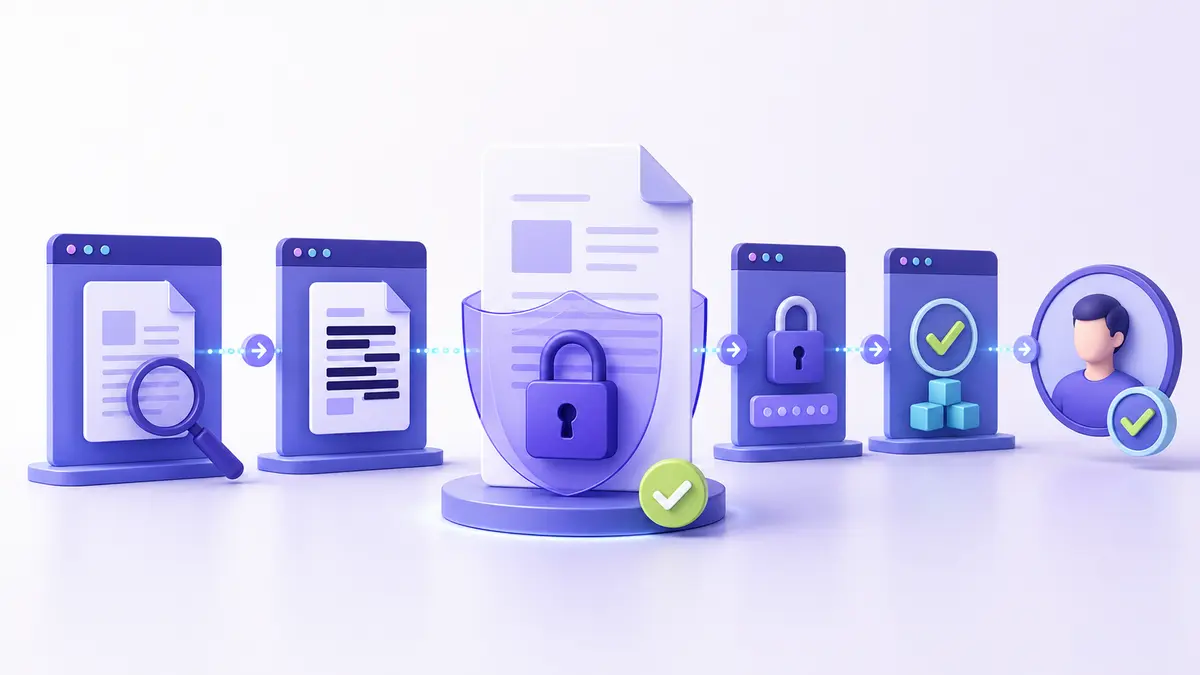
Recommended workflow
- Choose the correct Files Converter tool.
- Select the source file and review the available options.
- Process the file and save the output with a clear name.
- Open the result and compare it with the original.
What to check
Check pages, dimensions, text, transparency, links, names, and other details that matter for the intended use. Important files deserve more than a quick visual glance.
Privacy and safe handling
Prefer browser-based processing when the selected tool supports it. Review metadata and file names before sharing, and avoid sensitive work on an untrusted or shared device.